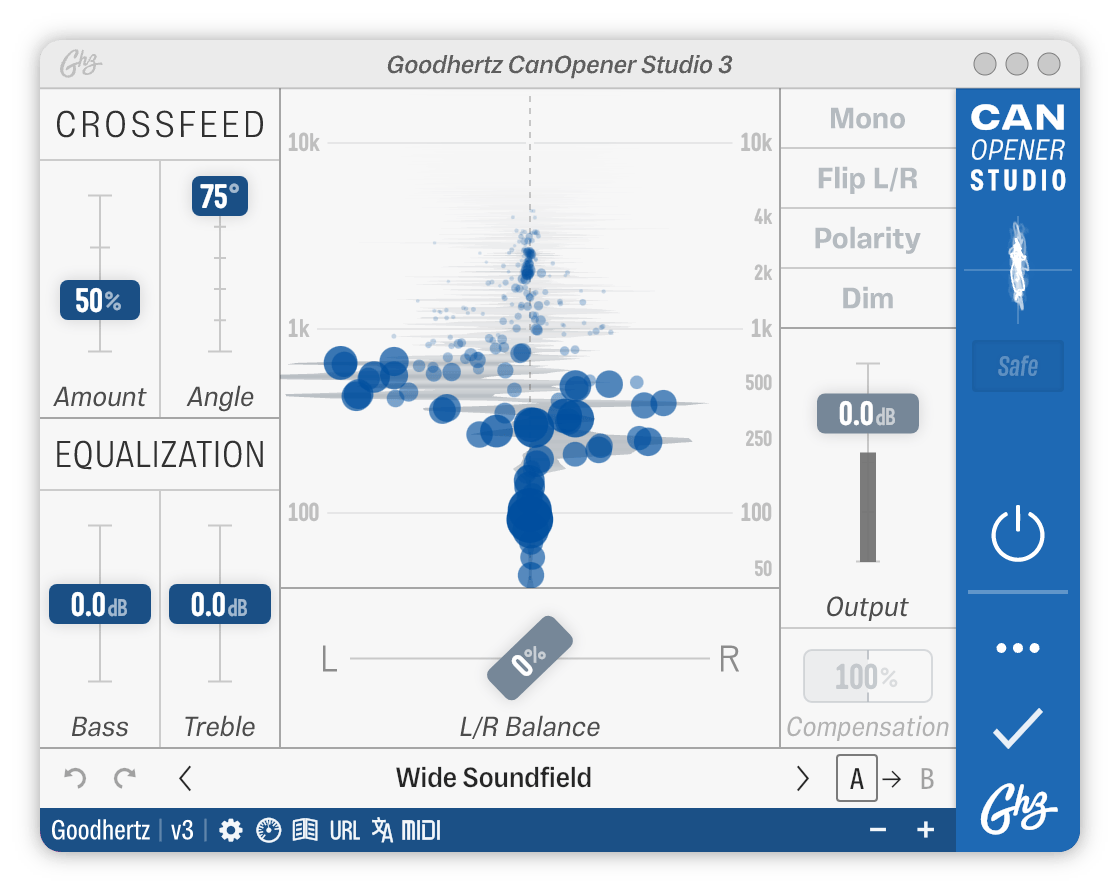
Image of the user interface of CanOpener Studio
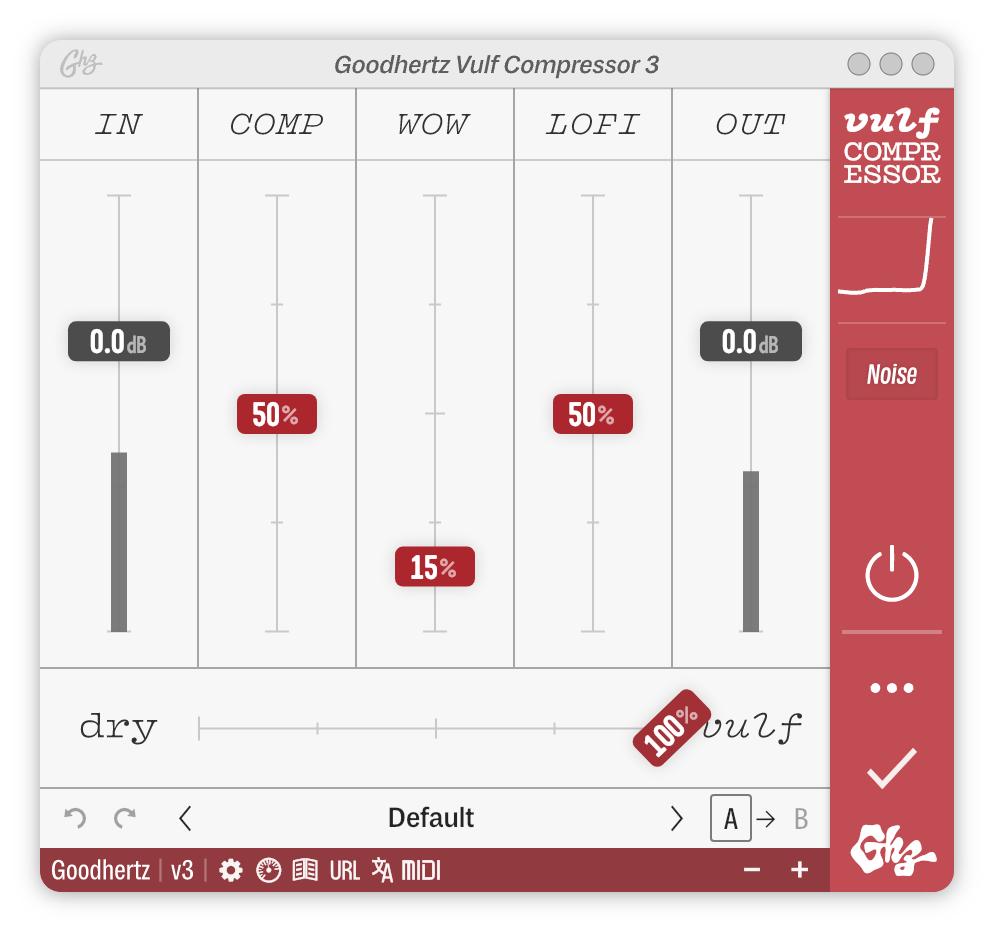
Image of the user interface of Vulf Compressor
Image of the user interface of Tone Control
Image of the user interface of Trem Control
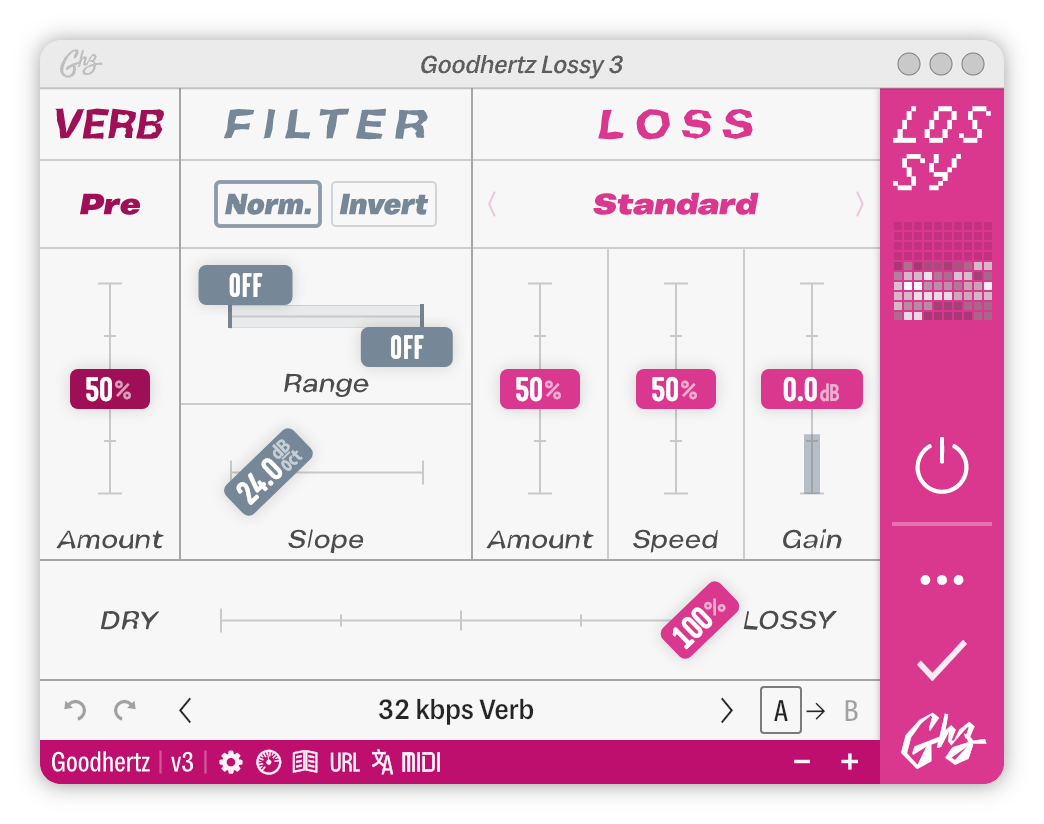
Image of the user interface of Lossy
Image of the user interface of Lohi
Image of the user interface of Faraday Limiter
Image of the user interface of Panpot
Image of the user interface of Good Dither
Image of the user interface of Midside
Image of the user interface of Tiltshift
Image of the user interface of Midside Matrix
Image of the user interface of Wow Control
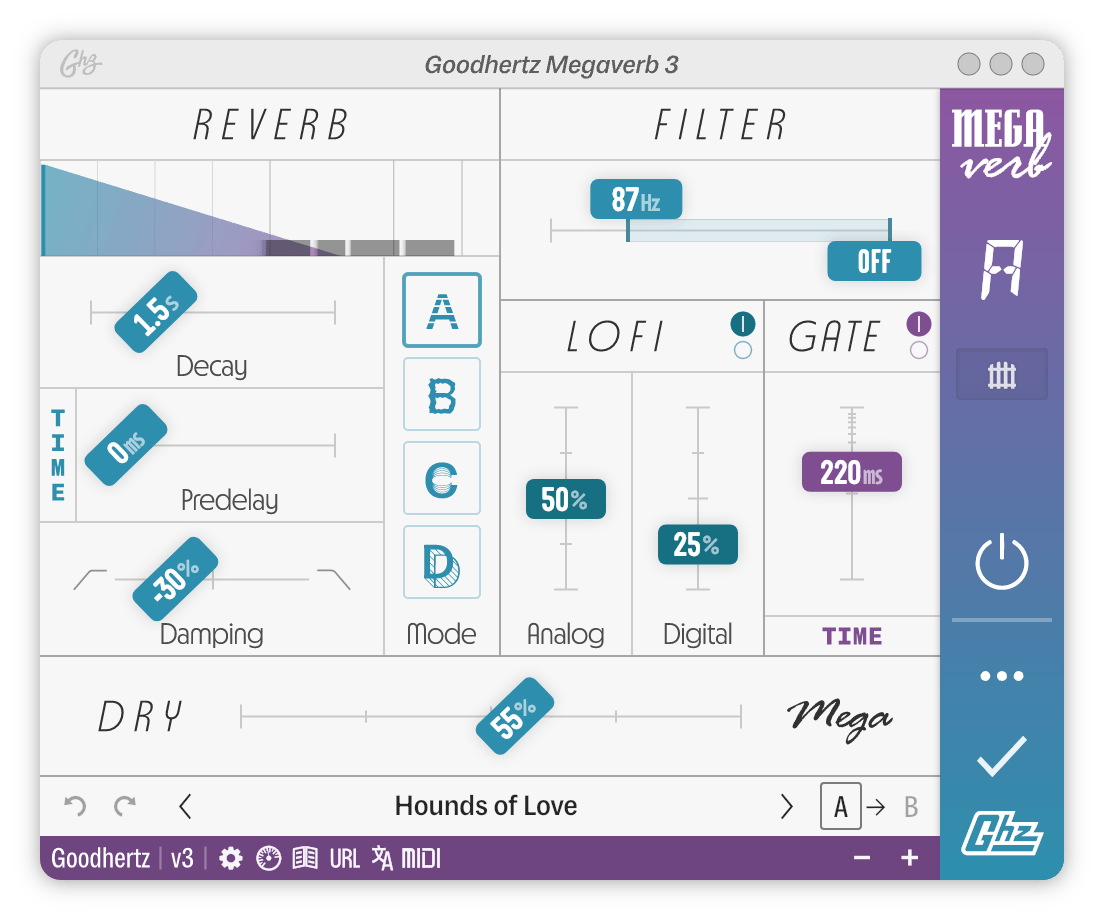
Image of the user interface of Megaverb
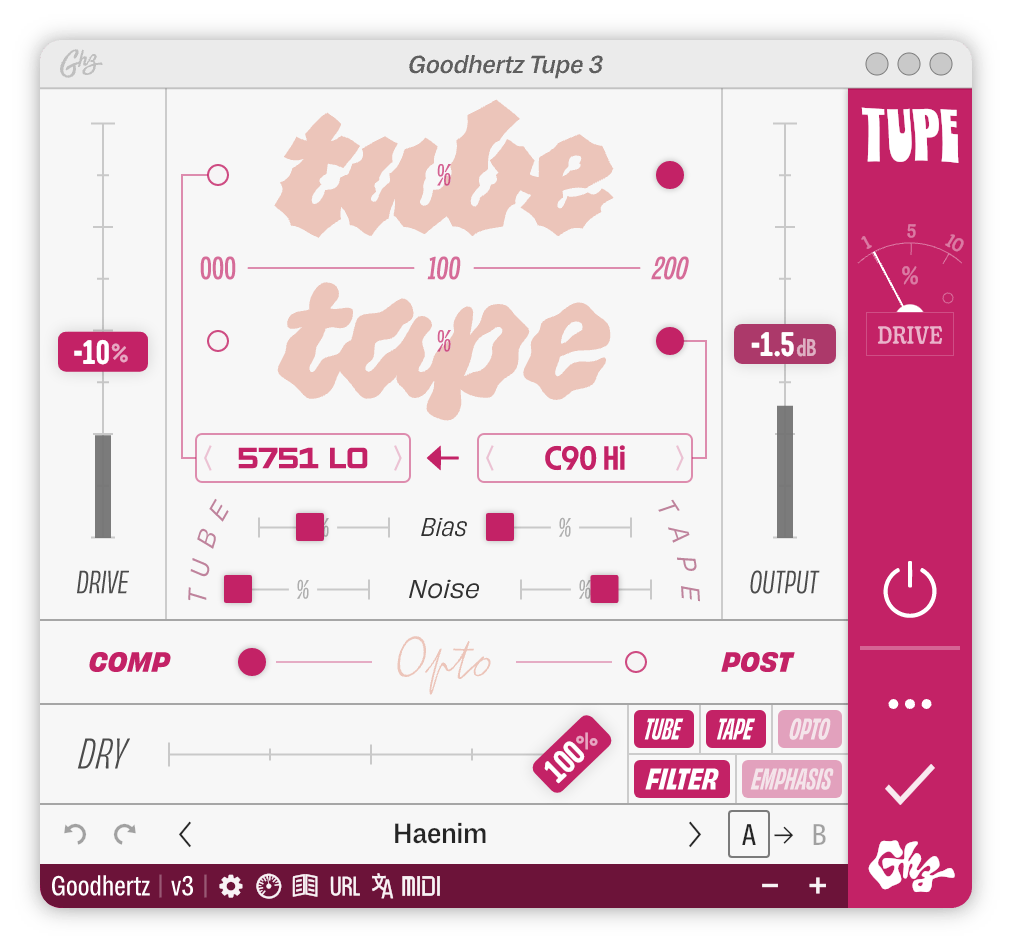
Image of the user interface of Tupe
Image of the user interface of Tupe Wow
Image of the user interface of Loudness
Image of the user interface of DC19
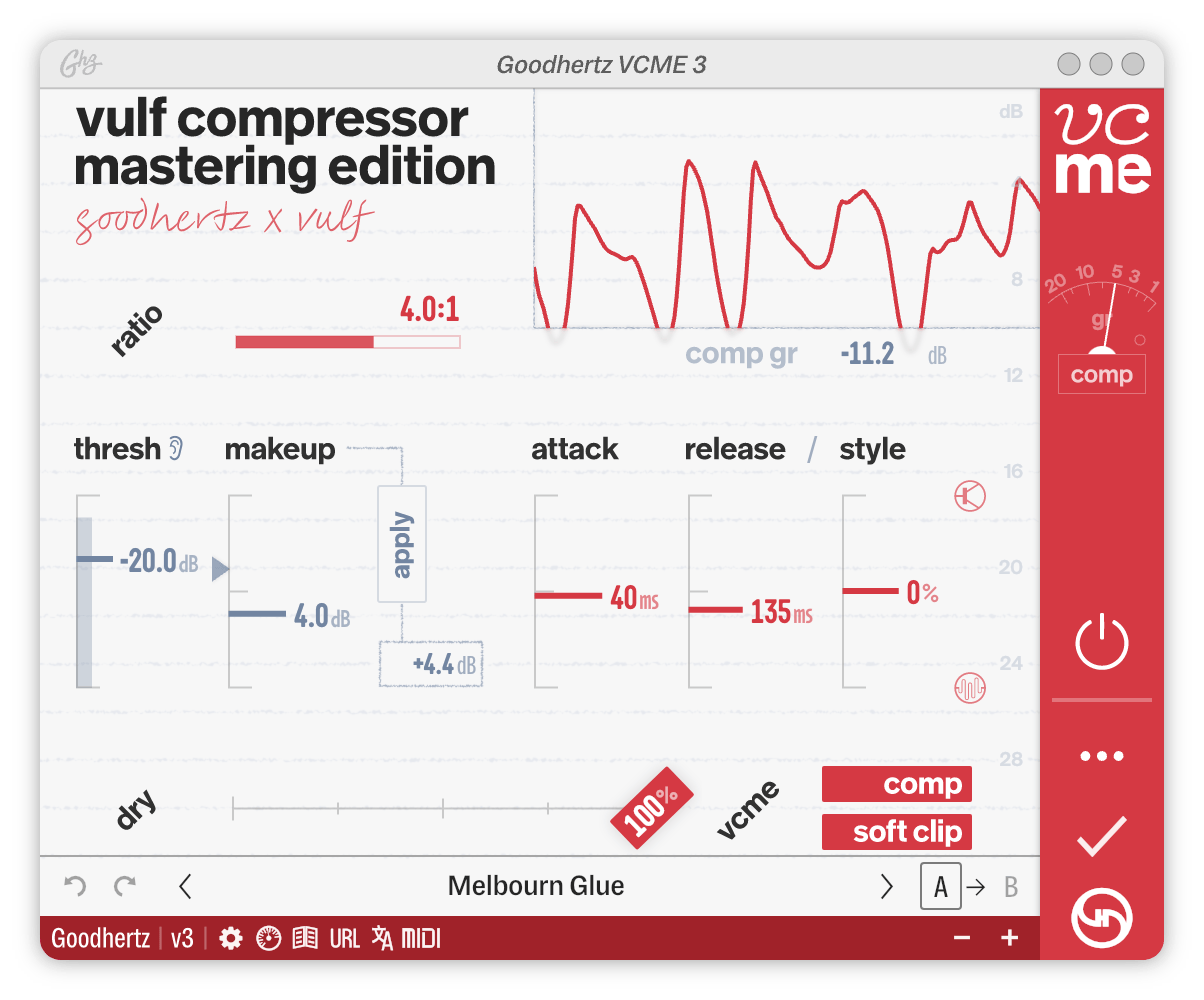
Image of the user interface of VCME
Image of the user interface of VCME Soft Clip
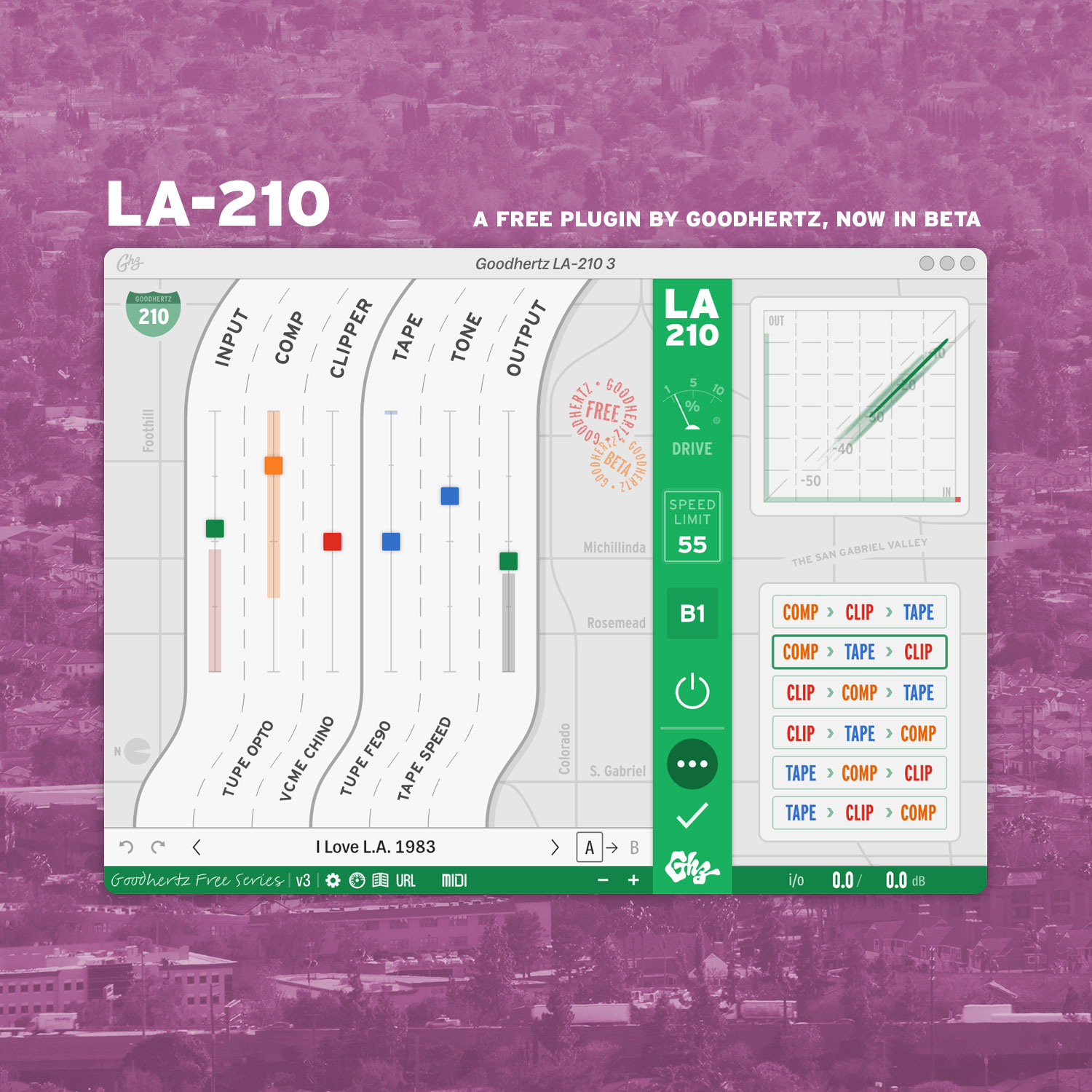
Image of the user interface of LA-210
Click on a plugin to reveal it.
Click again to read more.
Drag the title bars for fun.

Testimonials

these plugins are instant sonic palette extenders. I’m finding inspiration in the most unexpected places, especially when cueing up Tupe and Megaverb. wow!

meg duffy

hand habits, yes/and

Thank you for making audio so damn fun. It’s a joy to automate your plugins to my heart’s content, and to know it’s going to hold up under pressure. No clicks, no surprises.

Kidfue

Goodhertz is giving engineers tools they need in the modern age. There’s so much character built into these plugins. Vulf Compressor is amazing at warming up really cold, digital feeling recordings. I can’t count how many times Goodhertz has saved me.

Matt Green

Probably every single Ableton session that I open up, whether I’m making my own music or enginering something — mastering or mixing for another artist or my own music — I put the Vulf Compressor on, usually the master.

Matthewdavid

Musician & Co-Founder of Leaving Records

Goodhertz is easily one of my favorite plug-in designers these days as they make high fidelity audio inspiring. The look and feel of their plug-ins is also easy and refreshing, with flat colors on a white background. There are no knobs to “turn” with a mouse – just simple slider controls that change the percentage of each parameter.

Gus Berry

Producer & mix engineer. Writer for TapeOp